

Workspace & Team Management
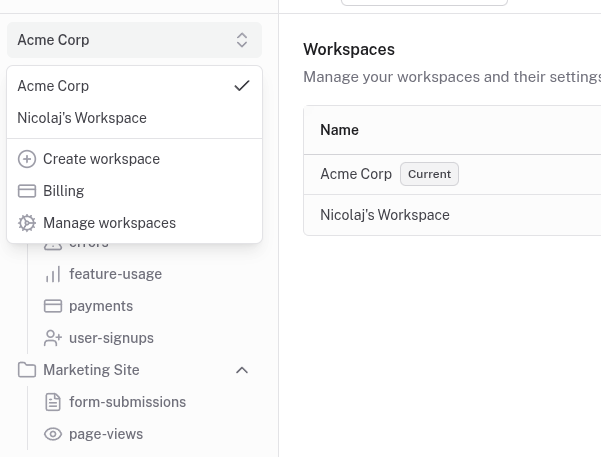
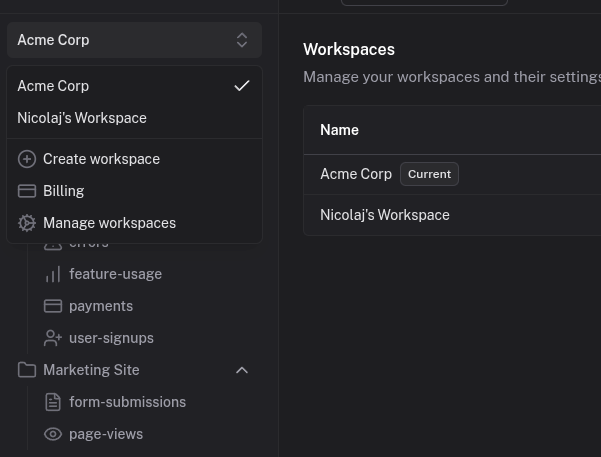
Share visibility across your team. Founders, marketers, and developers in one workspace with role-based access.
How it works
Invite teammates by email and assign roles. Everyone sees the same real-time event stream. Channels let each person focus on what matters to them.
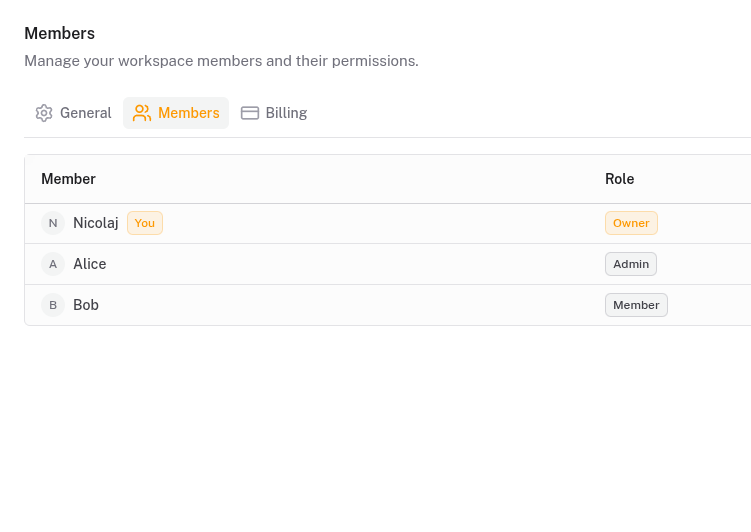
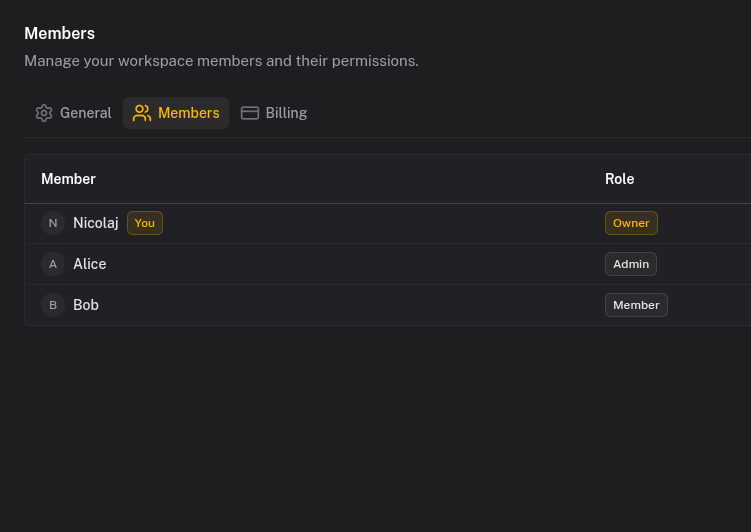
Roles control access. Owners manage billing and settings. Admins configure projects, channels, and API keys. Members view events and set their own notification preferences.
Create multiple projects within a workspace for different products or environments. Each project has its own channels, events, and API keys. A startup might have projects for production, staging, and internal tools. An agency might have one per client.
Notification settings are per-user. Your marketing lead gets push notifications for signups. Your developer gets daily digests for errors. Same workspace, different preferences.
What you get
- Multiple workspaces for different organizations, clients, or contexts
- Multiple projects per workspace for different products or environments
- Role-based access with owner, admin, and member permissions
- Email invitations to add teammates to your workspace
- Per-user notification preferences so each person controls their own alerts
- Activity audit logs to see who did what and when
Team setups
Early-stage startup
One workspace, one project. Add teammates as members, keep owner access for billing. Everyone sees the same events and stays aligned.
Growing team
Separate projects for production and staging. Developers get admin access to manage channels and API keys. Marketing gets member access to view events.
Agency or consultancy
One workspace, separate projects per client. Each project has its own API keys and events, completely isolated. Invite clients as members if needed.
Shared analytics reduce decision lag across teams
One of the main benefits of modern saas analytics tools is cross-functional alignment. When everyone reviews the same event stream, product, marketing, and support can prioritize from shared evidence instead of conflicting dashboards.
Quicklog supports this with workspace roles and project boundaries, so teams stay coordinated without losing control. It is a practical setup for analytical crm, onboarding optimization, and launch monitoring because each team can follow the same customer timeline from a different operational perspective.
Try it out
Invite teammates and share visibility into your product events.