

Notifications
Push and email alerts for the events that matter, so you do not have to watch the dashboard.
How it works
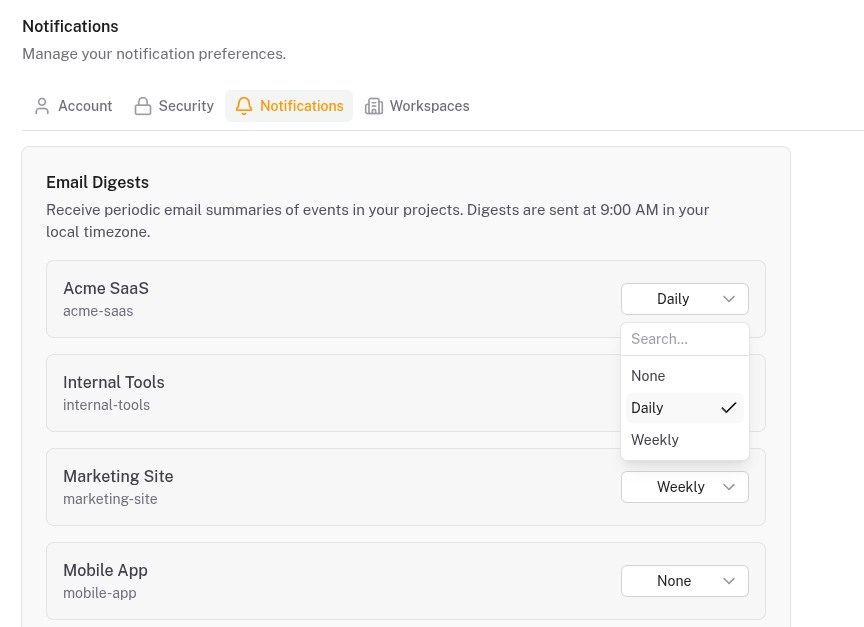
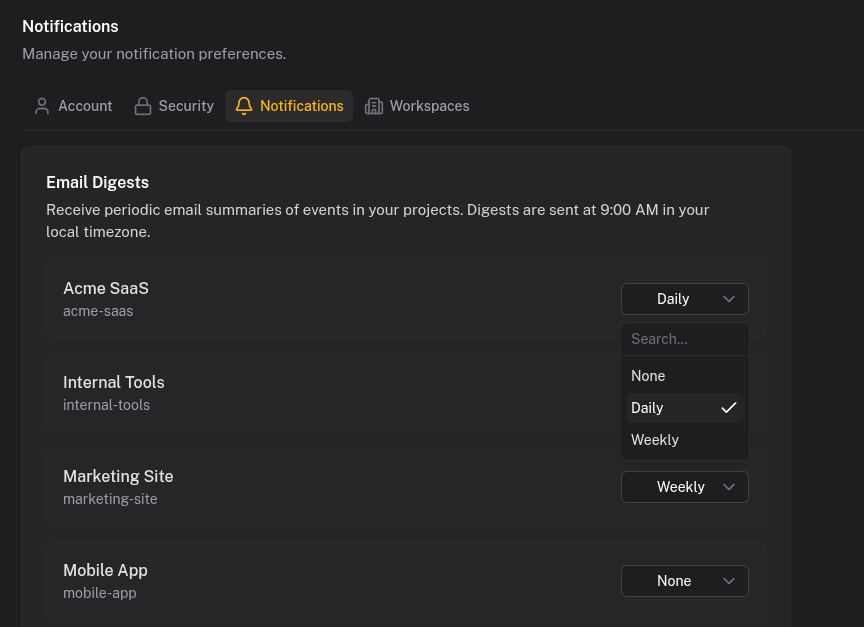
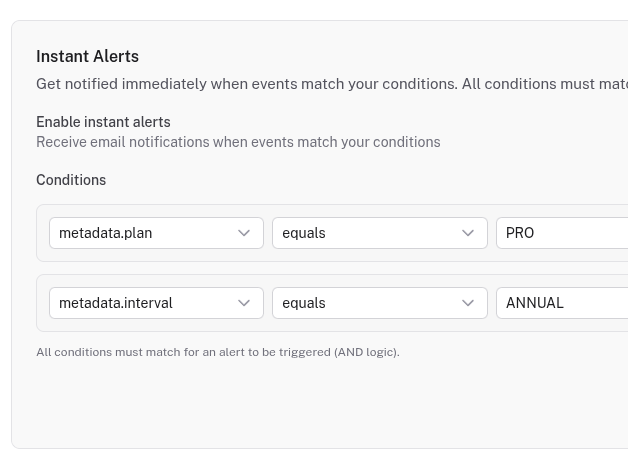
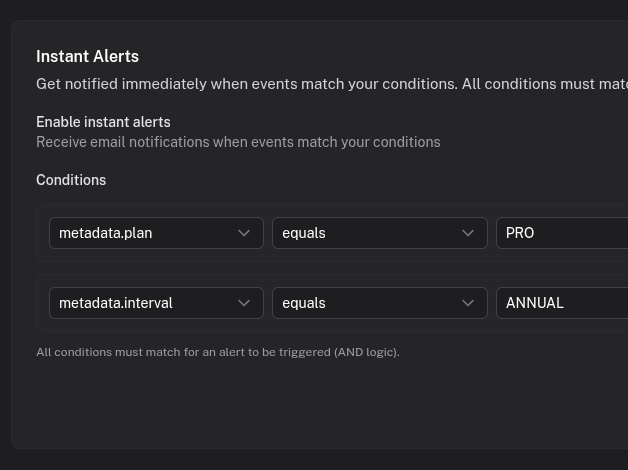
When an event is ingested, Quicklog saves it to your timeline and optionally sends a notification. Each channel has independent settings: instant push for signups, daily email digest for payments, nothing for deployments. Configure once.
Quiet hours pause notifications during focus time or sleep. Smart batching groups high-volume events so you get "23 new signups" instead of 23 separate pings.
What you get
- Browser push notifications that work even when the tab is closed
- Email notifications with configurable frequency: instant, hourly, or daily
- Per-channel settings so different event types notify differently
- Quiet hours to pause notifications when you need focus
- Smart batching for high-volume events to reduce noise
- Mobile-friendly PWA for checking events on the go
Common setups
Instant signup alerts
Push notifications on your signups channel. Every new user triggers an immediate alert, useful during launches or for welcoming early customers.
Payment digests
Daily email digest on your payments channel. Start each morning with a summary of successful payments, failed charges, upgrades, and cancellations.
Error alerts
Push notifications on your errors channel. Batching prevents notification storms during incidents while still keeping you aware.
From passive dashboards to actionable monitoring
A strong saas analytics dashboard is useful, but teams still need proactive signals when something important changes. Notification workflows close that gap by turning event data into timely prompts for action.
With channel-level controls, Quicklog can support multiple operating rhythms at once: immediate alerts for failed payment monitoring, scheduled digests for growth updates, and low-noise tracking for background systems. This keeps teams informed without introducing alert fatigue.
Try it out
Configure notifications in minutes. Adjust anytime as your needs change.