

Dashboard & Real-time Events
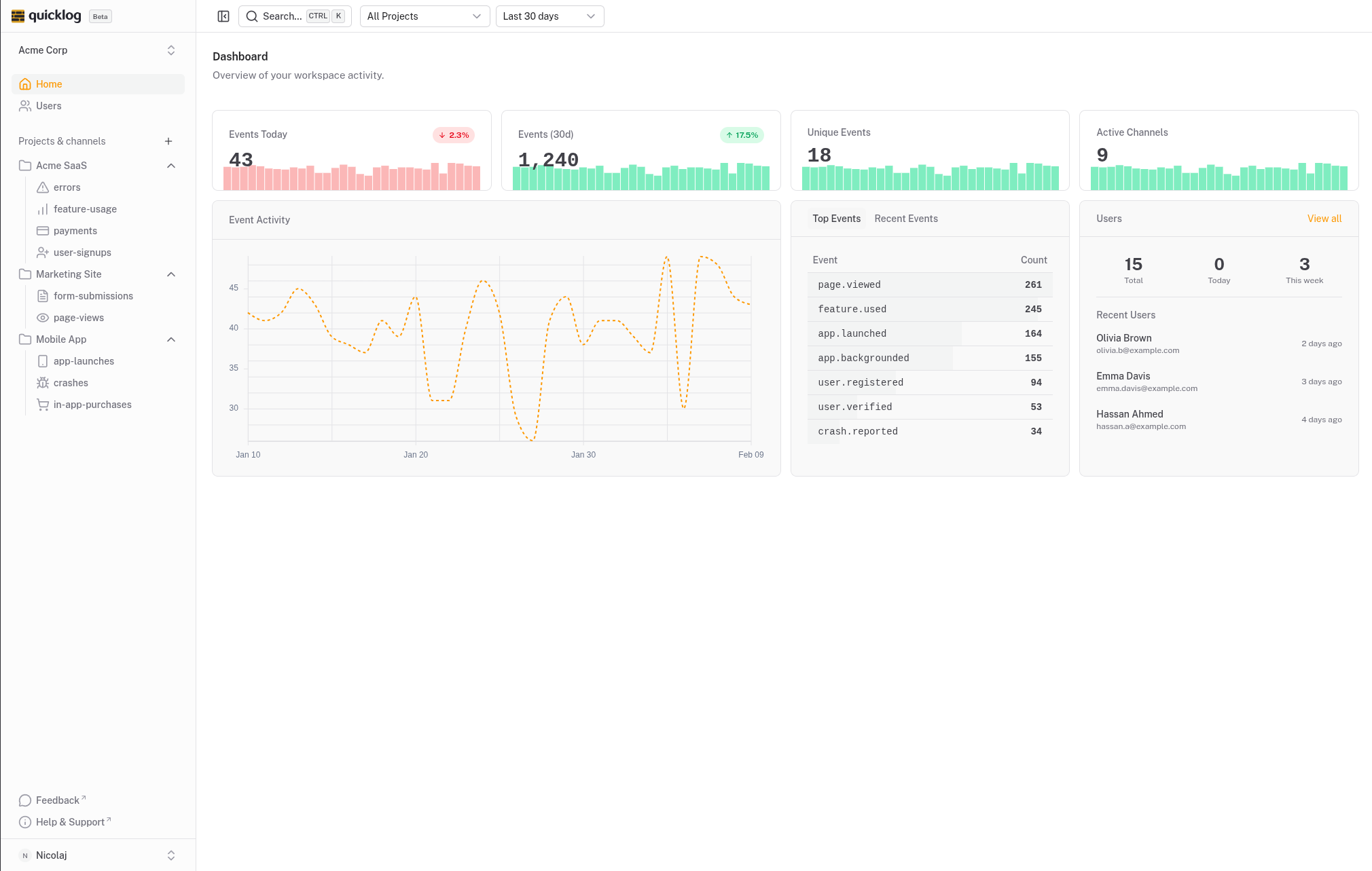
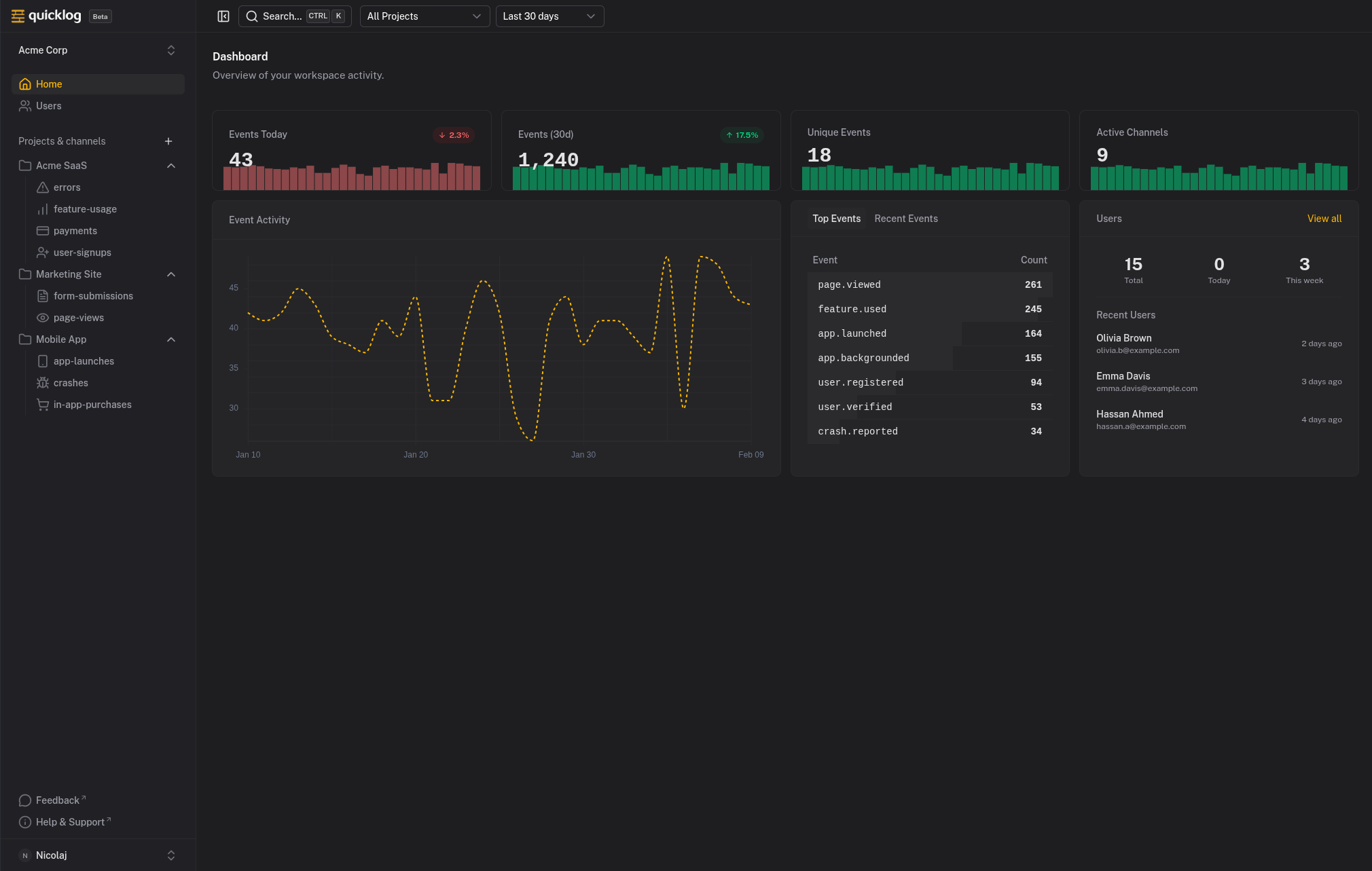
Events appear in your dashboard the moment they happen. Click any event to see the full context. Your whole team sees the same stream.
How it works
When your application sends an event to Quicklog, it gets saved and immediately pushed to every connected dashboard. No refreshing, no batch processing.
Click any event to see the full picture: who triggered it, what metadata was attached, when it happened, and which channel it belongs to.
The dashboard also shows summary stats: events today, this week, this month. Channel breakdown so you can see where activity is concentrated. Trend visualization to spot patterns.
What you get
- Real-time event stream with events appearing instantly as they happen
- Event detail view showing user, metadata, timestamp, and channel
- Summary statistics for events today, this week, and this month
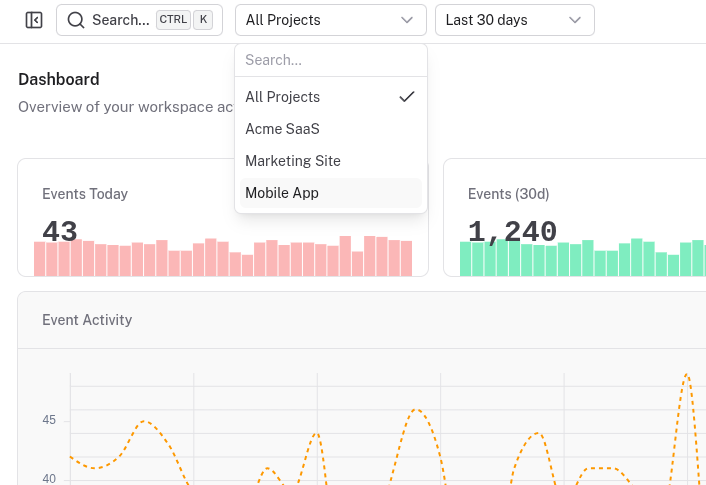
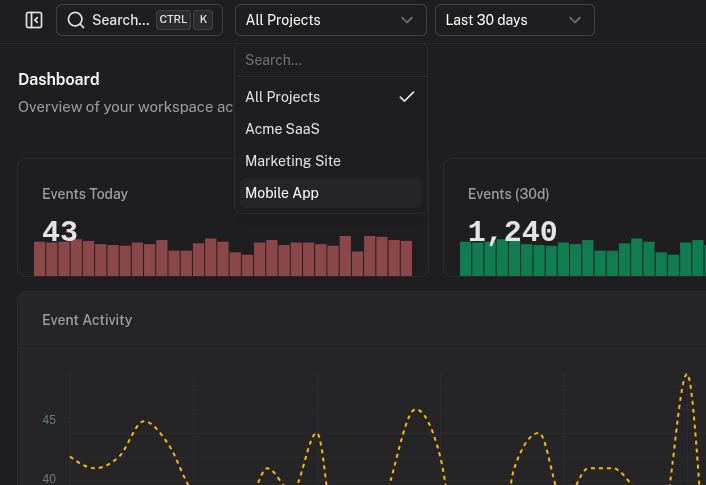
- Channel breakdown showing activity distribution across channels
- Trend visualization to spot patterns over time
- Mobile-friendly so you can check events from your phone
How people use it
Launch day
Keep the dashboard open during a launch. Watch signups flow in. Click interesting ones to see where they came from.
Incident response
Filter to your errors channel. See events in real-time as the issue unfolds. Click into each error to see the full payload.
Morning check-in
Glance at overnight activity: new signups, payments, any errors. The summary stats tell you if today is normal or unusual.
Why real-time visibility changes team behavior
A modern saas analytics dashboard should help teams react in minutes, not at the end of the week. Quicklog keeps the feedback loop short by showing product activity as it happens, so launches, regressions, and conversion shifts are visible while they are still actionable.
For product teams, this means faster validation of experiments. For growth teams, it means immediate insight into traffic quality and signup outcomes. For support and success, it means understanding customer issues with event context already in hand. That cross-team visibility is a core reason teams adopt saas analytics.
Try it out
Start tracking events and watch them appear in your dashboard instantly.